 PixelRetriever
 Meet Pixel
Hi, I'm Pixel.
I follow your photos across the web. When they turn up somewhere unexpected, I'll track them down and show you exactly where.

Upload your most recognizable shot and see where it has turned up.
Your photo is scanned and then discarded. Nothing is stored.
of photos online are used without permission.
Your photos travel further than you think, and most of the time nobody asks first. One image can show up on fan pages, blogs and brand accounts within hours. No credit, and usually no way for you to know.
How do I work?
Give me access to your photo archive
Connect Google Drive, OneDrive or Dropbox, or drop photos directly. Choose exactly which folders I can look after.
I follow the trail
Using Google Lens technology, I investigate your photos one by one and look for matching appearances across the web.
Review what I found
Everything lands neatly in the review portal. Match, no match, or block a domain, you're always in control.
This is what a find looks like
When I spot one of your photos out in the wild, this is what lands in your dashboard.

An illustrative example, not a real customer case.
Nothing hidden
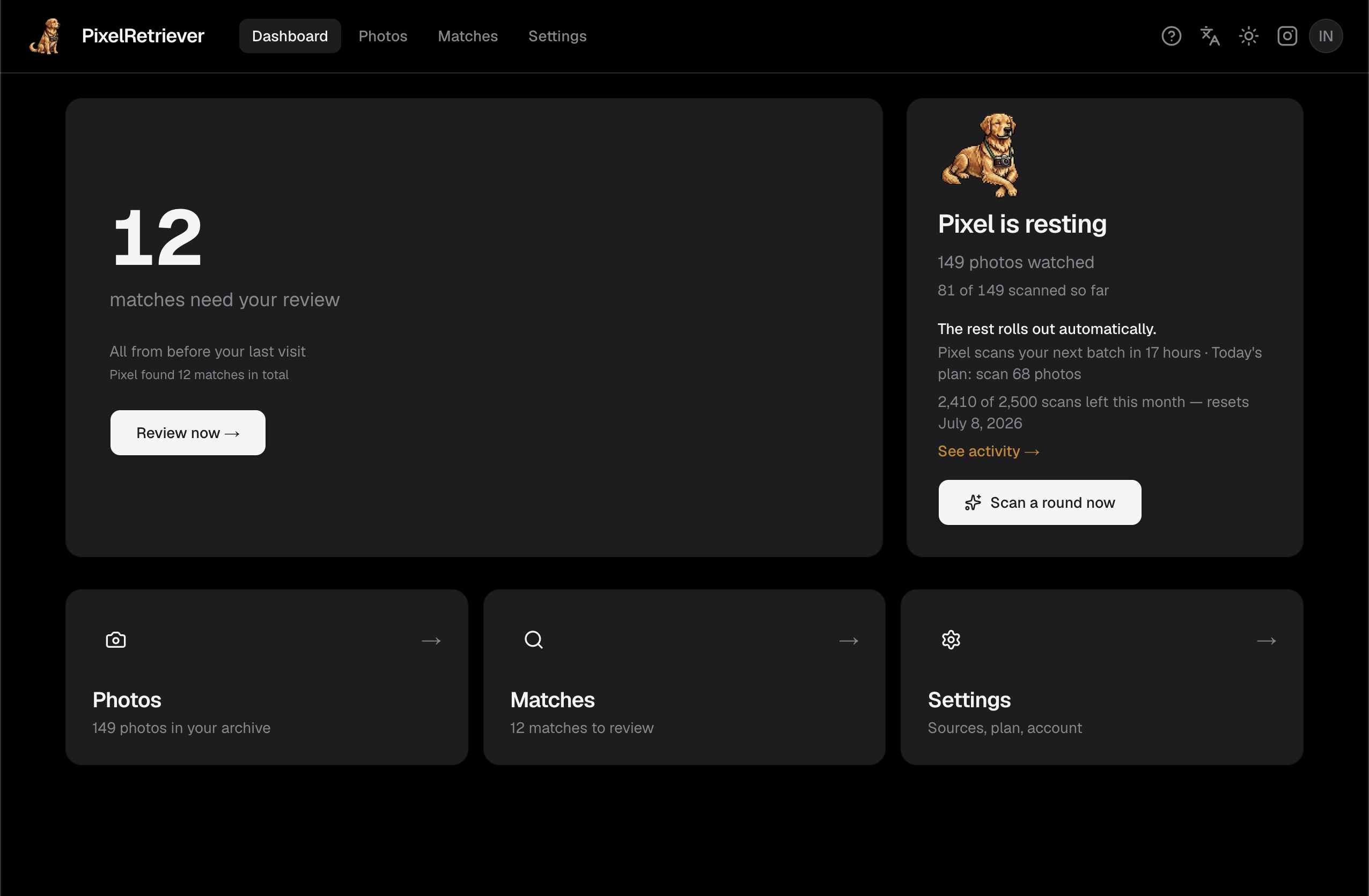
You can always see what I'm doing and when.
A fresh batch every day
I scan a slice of your archive daily, spreading your monthly scans evenly, so finds trickle in steadily instead of arriving in one monthly dump.
Know when I'm looking
See exactly when each photo was last scanned and when it's due for another round. No black boxes.
Your originals stay yours
Your photos never live permanently on our servers. I only keep a 64-bit fingerprint (pHash).
How I stack up
The same job, without the black box or the commission. Here is how PixelRetriever compares.
| Feature | Pixsy | Copytrack | PixelRetriever |
|---|---|---|---|
| See exactly when each photo gets scanned | |||
| Rescan any photo on demand, instantly | |||
| Open activity log of every scan | |||
| Photos never stored on our servers | |||
| Flat monthly fee, no commission on hits | |||
| Cloud storage integration (Drive/OneDrive/Dropbox) | |||
| Tool-only, no enforcement service |
- See exactly when each photo gets scanned
- Rescan any photo on demand, instantly
- Open activity log of every scan
- Photos never stored on our servers
- Flat monthly fee, no commission on hits
- Cloud storage integration (Drive/OneDrive/Dropbox)
- Tool-only, no enforcement service
- See exactly when each photo gets scanned
- Rescan any photo on demand, instantly
- Open activity log of every scan
- Photos never stored on our servers
- Flat monthly fee, no commission on hits
- Cloud storage integration (Drive/OneDrive/Dropbox)
- Tool-only, no enforcement service
- See exactly when each photo gets scanned
- Rescan any photo on demand, instantly
- Open activity log of every scan
- Photos never stored on our servers
- Flat monthly fee, no commission on hits
- Cloud storage integration (Drive/OneDrive/Dropbox)
- Tool-only, no enforcement service
What creators say
Finally a tracking tool that doesn't take half my earnings! Just a flat monthly fee instead of massive commissions. An absolute must-have for independent creators.
I always start with your latest shots.
Your plan covers a set number of photos, and I keep your newest ones on the trail. I scan those first and work back through the rest. If your cloud holds more than your plan covers, I track the newest ones and leave the others sitting safe and untouched. Your latest work is what tends to get reused first, so that's what I'm watching.
Photos you upload by hand count toward your plan's limit, and you can add up to 100 at a time.
Choose how closely I follow the trail
Want an occasional check, or a constant eye on things? Pick the plan that fits.
Frequently asked questions
How does PixelRetriever find my photos online?+
I turn each photo into a compact 64-bit fingerprint (a perceptual hash) and use Google Lens technology to investigate the web for visually identical or near-identical images. I work from the image itself, not text tags.
Do my photos end up on your servers?+
No. Your originals stay in your own cloud storage. I only keep metadata and the hash. During a scan, a temporary copy may be created and removed immediately afterward, never stored permanently.
Which photo sources are supported?+
Google Drive, OneDrive, Dropbox or direct upload. For cloud sources you connect securely through OAuth and choose exactly which folders I can access. For direct upload you drop photos into the app, they're scanned and forgotten, only match results stick around.
What if I have more photos than my tier allows?+
I prioritize new uploads and known matches first, then rotate through the rest. Each paid plan watches up to 5× as many photos as it has monthly scans (e.g. Pro: 500 scans across 2,500 photos), so a full rotation takes roughly five months. Upgrade anytime to raise the cap.
What's the difference with Pixsy?+
Transparency and simplicity. You can see exactly when I scan and when the next round is due, and I charge a flat subscription fee with no commission on what I find.
Can I scan individual photos or do I have to connect my whole archive?+
Either works. Connect your archive for ongoing monitoring, or ask me to investigate a single photo whenever you like.
What does an Enterprise license cost?+
It depends on volume, team size and integrations. Email hello@pixelretriever.com and we'll work it out together.
How do I cancel my subscription?+
In one click through the customer portal under Settings → Billing. You'll keep access until the end of your paid period.
What currency are prices in?+
Prices show in € by default. Visitors from the US see prices in $. Paddle converts to your local currency automatically at checkout.
What's the free plan?+
A one-time trial: 50 scans, no time limit and no monthly reset. Once they're used up, upgrade to Starter to keep tracking new finds.
What if my photos aren't in a cloud?+
No cloud? No problem. Use direct upload, drop photos right into PixelRetriever, I'll scan them and delete the originals immediately after. Only the match results stay with you.
Do uploaded photos count toward my plan's limit?+
Yes. Photos you upload by hand count toward your plan's photo limit, the same as cloud photos, and you can add up to 100 at a time. I always start with your newest shots and work back, so your latest work is watched first.
Can I exclude a folder from scanning?+
Yes — put [noscan] anywhere in a Google Drive folder's name (for example "Private [noscan]"). PixelRetriever then skips that folder and every subfolder inside it. Photos it had already scanned from there are removed together with their matches, so they no longer appear in your lists or count toward your plan. Remove [noscan] from the name and the folder is scanned fresh again on the next sync.